Web app

New

TraX Pro - monthly subscription

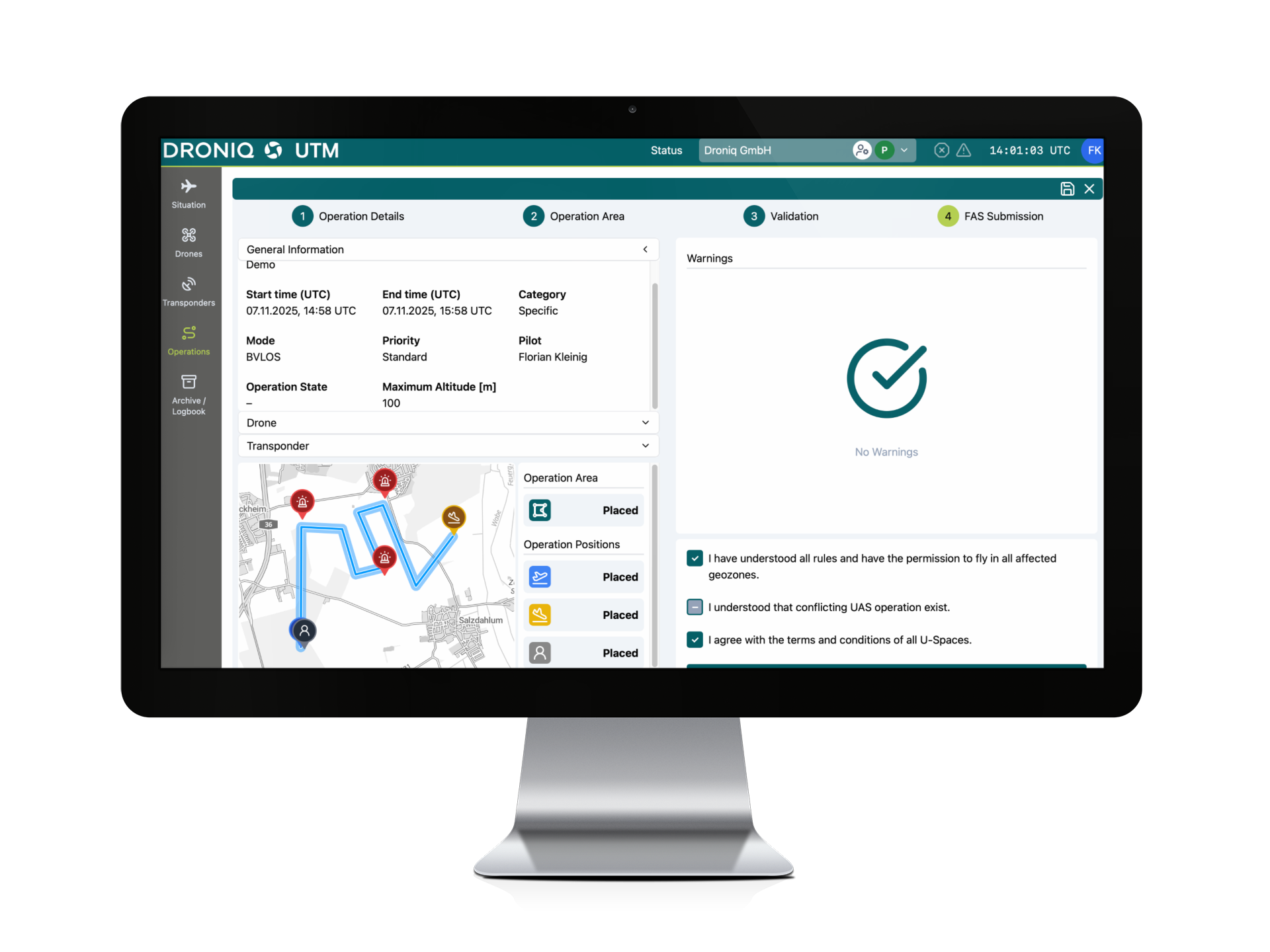
App and web app for professional drone operations featuring an advanced live air situation overview, alerts, and BVLOS support

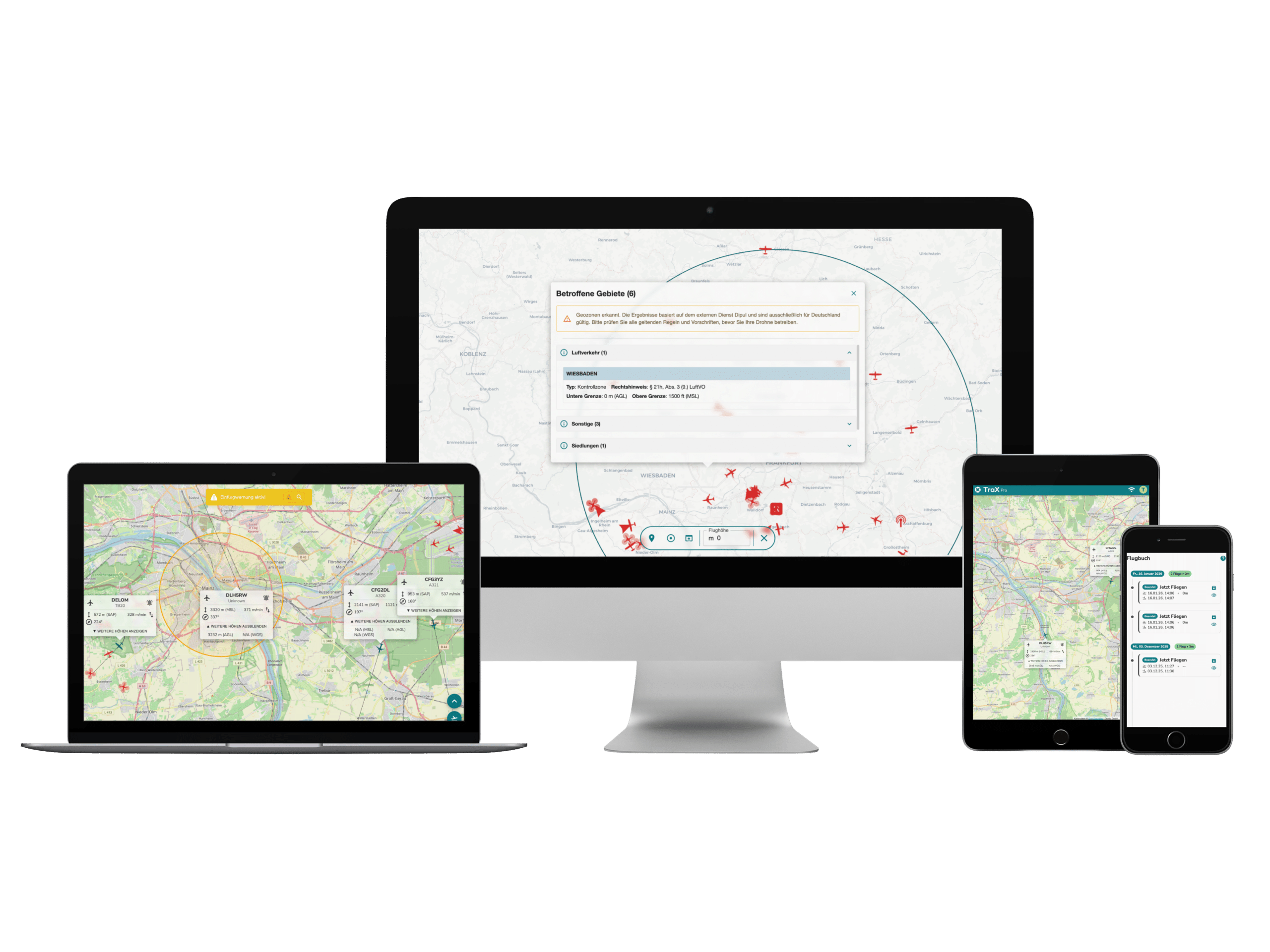
Check your flight location in seconds, monitor the comprehensive live airspace situation, and take advantage of alerts, target tracking, KML import, maps, and real-time overlays, as well as the flight log and mission center for safe and organized operations. Ideal for businesses, law enforcement, operators, and professional drone pilots—available with a flexible monthly subscription.

50,41 € plus VAT
59,99 € incl. VAT.
Delivery time: Online access within 1 working day of ordering. Monthly billing.
Do you have questions about the product? Contact form
50,41 € plus VAT
59,99 € incl. VAT.
Delivery time: Online access within 1 working day of ordering. Monthly billing.
Do you have questions about the product? Contact form
Tel. +49 69 509 547 400 | Mail. info@droniq. de

Product features

User license
Personal single user license
Notice period
14 days
Subscription
Monthly subscription with monthly billing.
Language
German & English
Contract period
1 month
Manufacturer
Droniq

Advantages

  • Flexibly plan professional operations: Ideal for businesses, law enforcement agencies, and commercial drone pilots who use the service on a monthly basis.
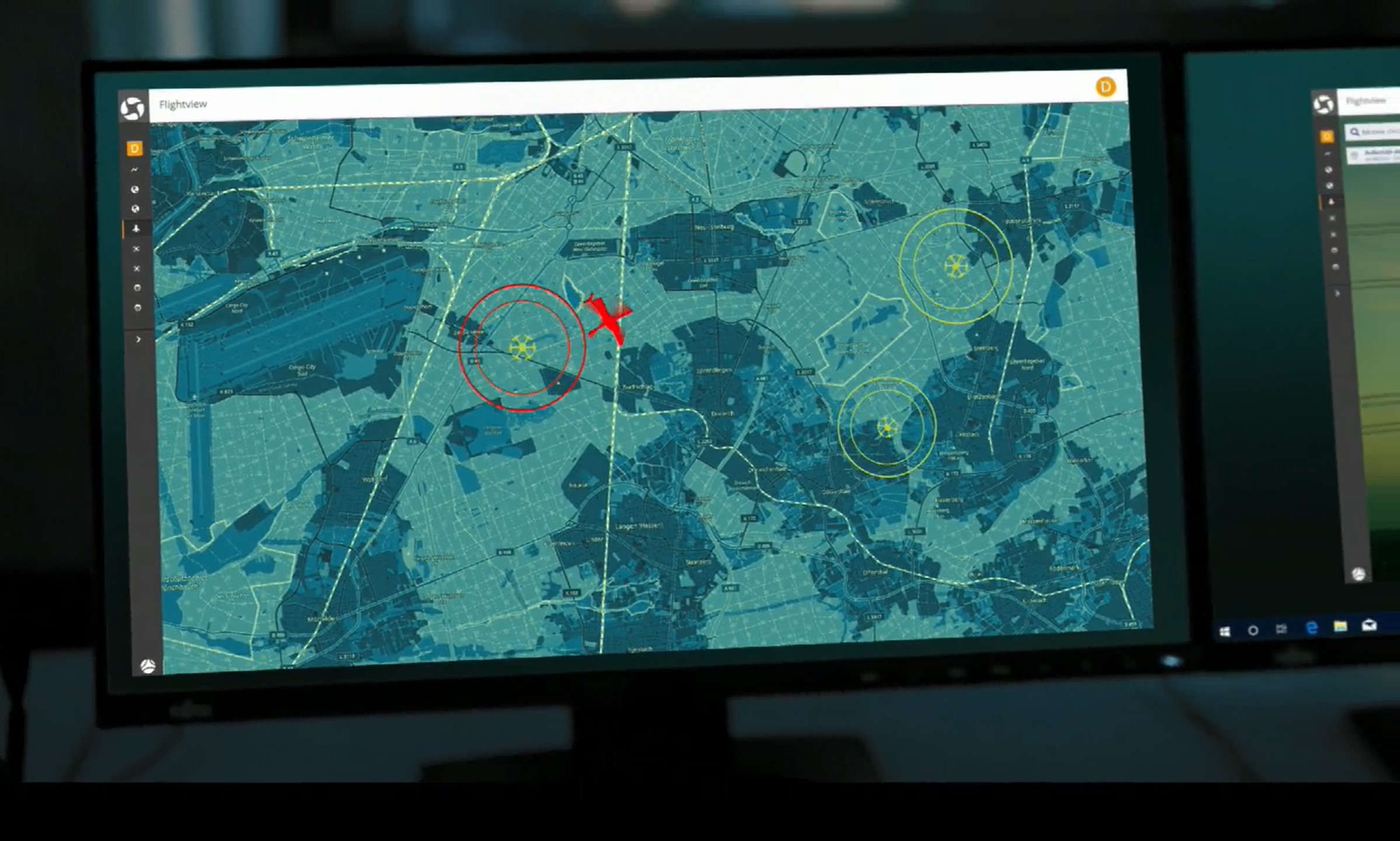
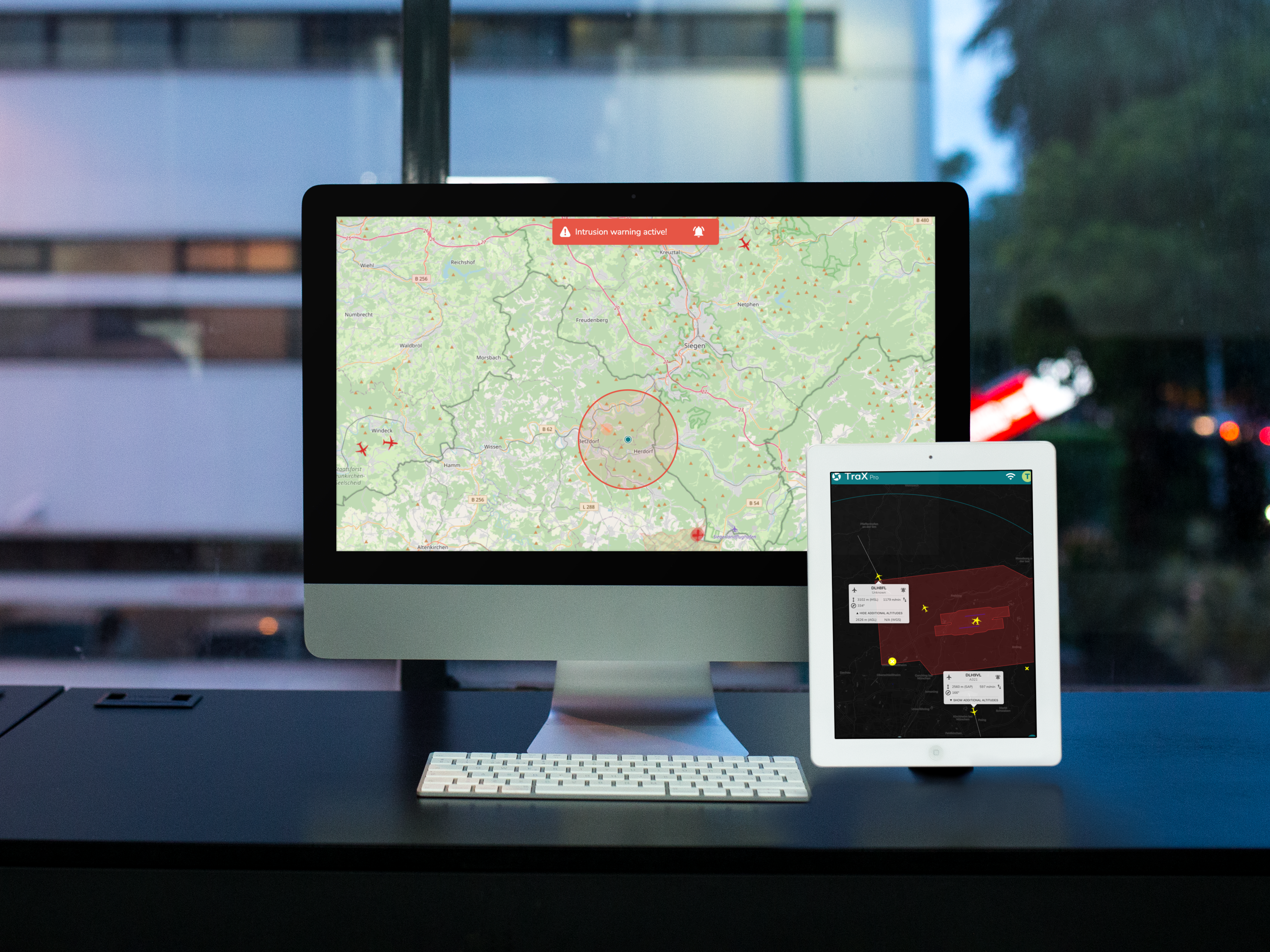
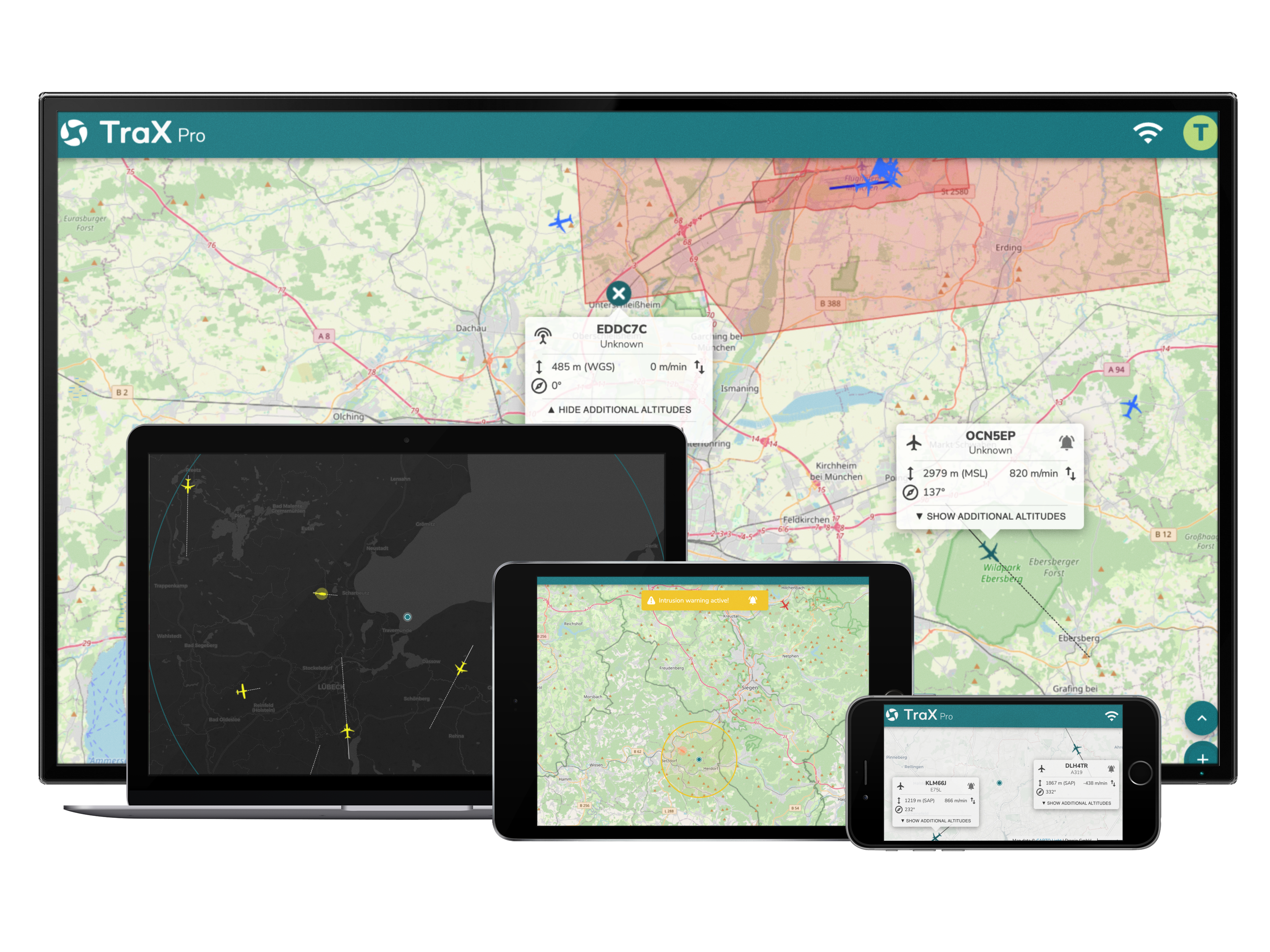
  • Leverage advanced real-time air situation awareness: Monitor relevant air traffic around the operational area in real time.
  • Detect risks earlier: Visual and audible alerts help support quick decision-making in the field.
  • Configure approach warnings specifically: Tailor warnings to specific aircraft of your choice, such as your own drone.
  • Import your own planning data: Import KML files for operational areas, routes, or mission data.
  • Get a better overview of complex situations: Use maps, geofences, and real-time overlays directly within the situational overview.
  • Supporting BVLOS-like workflows: Suitable for operations with higher requirements for monitoring, documentation, and record-keeping.
  • Use the app and web app: Work on the go or via a browser on your desktop.

Purpose of TraX Pro

TraX Pro is the ideal solution for professional drone operations where planning, real-time monitoring, alerts, and documentation are particularly important. The application supports operators, organizations, and remote pilots who regularly work in complex airspace or conduct drone flights with heightened safety and documentation requirements.

TraX Pro is particularly well-suited for:

  • commercial drone pilots
  • Companies that regularly use drones
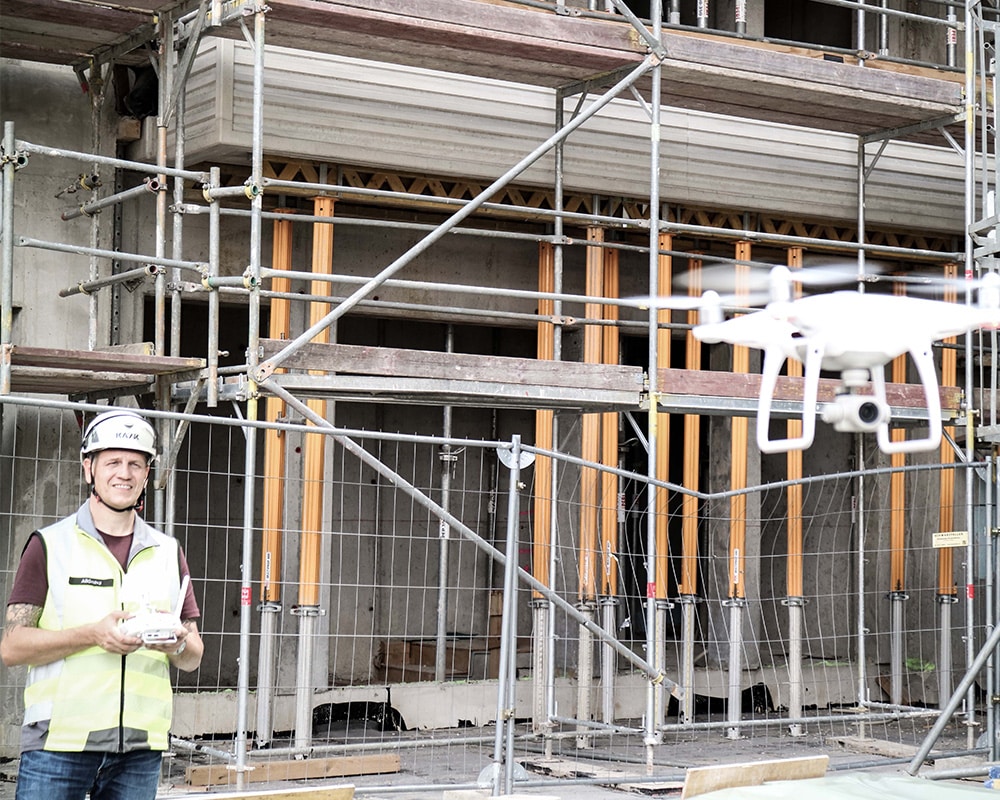
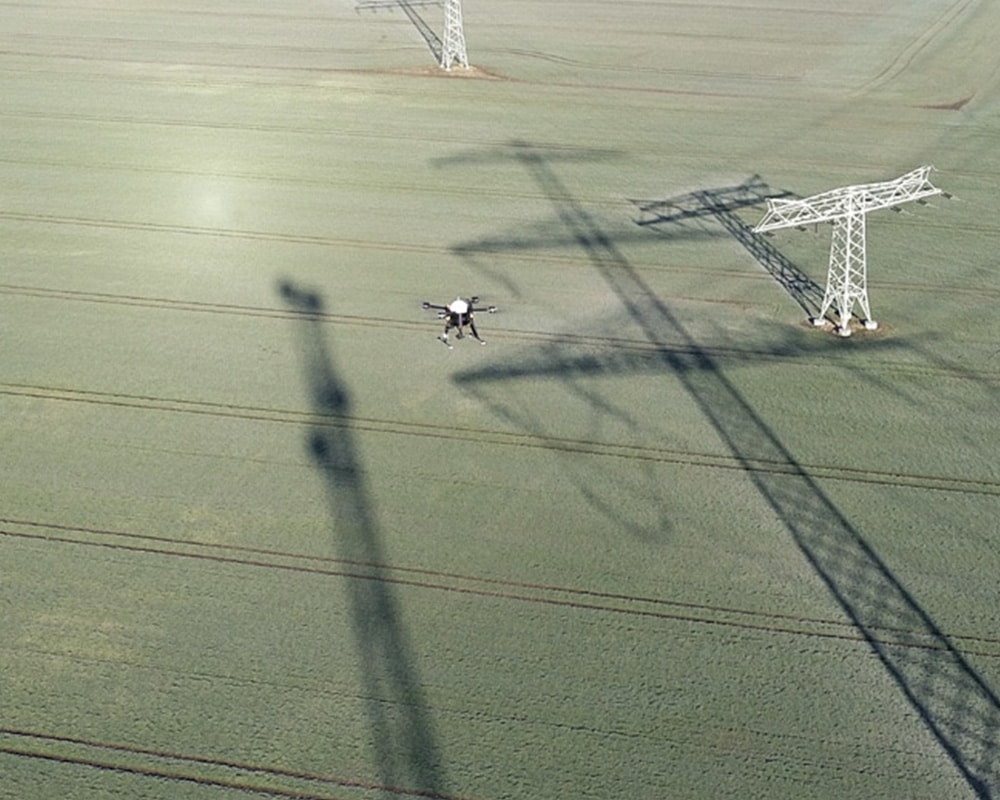
  • Infrastructure, energy, construction, and surveying projects
  • Inspections over long distances
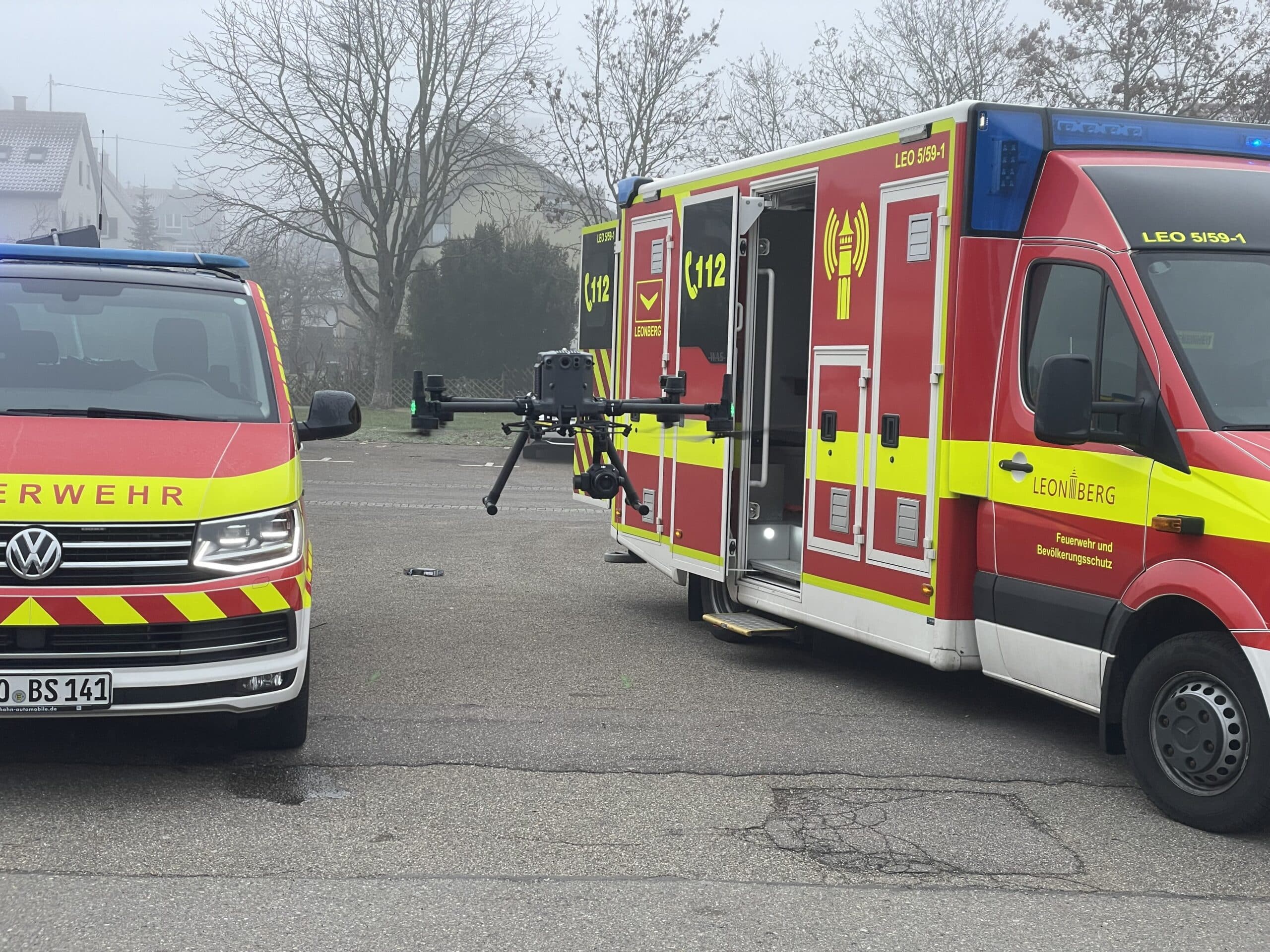
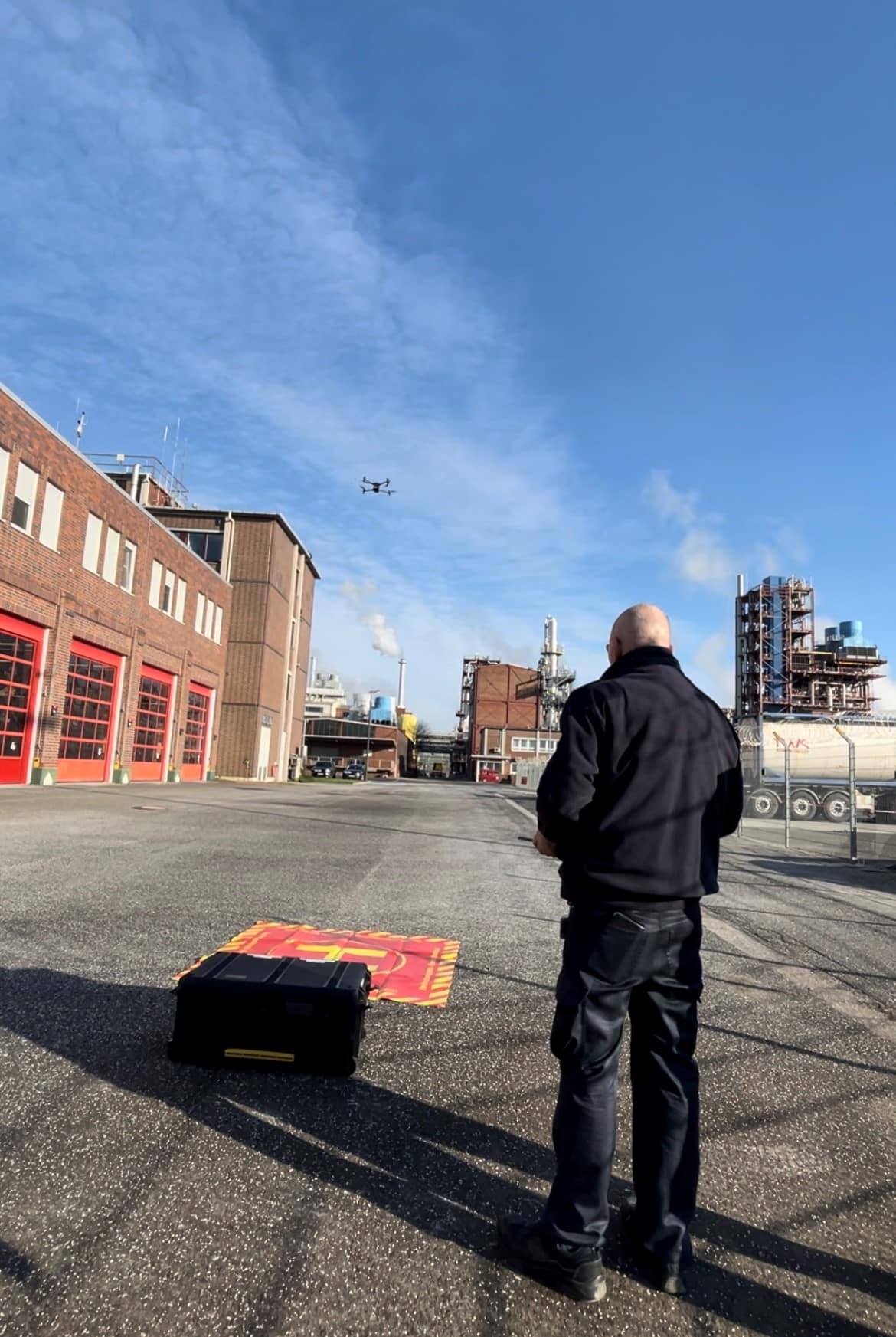
  • Emergency response organizations such as fire departments, the THW, and emergency medical services
  • Plant security, security organizations, and incident command
  • Operators subject to BVLOS or SORA/TMPR requirements
  • Assignments that require the integration of internal planning data, routes, or service areas
  • professional teams that want to consolidate situational awareness, alerts, and documentation into a single system

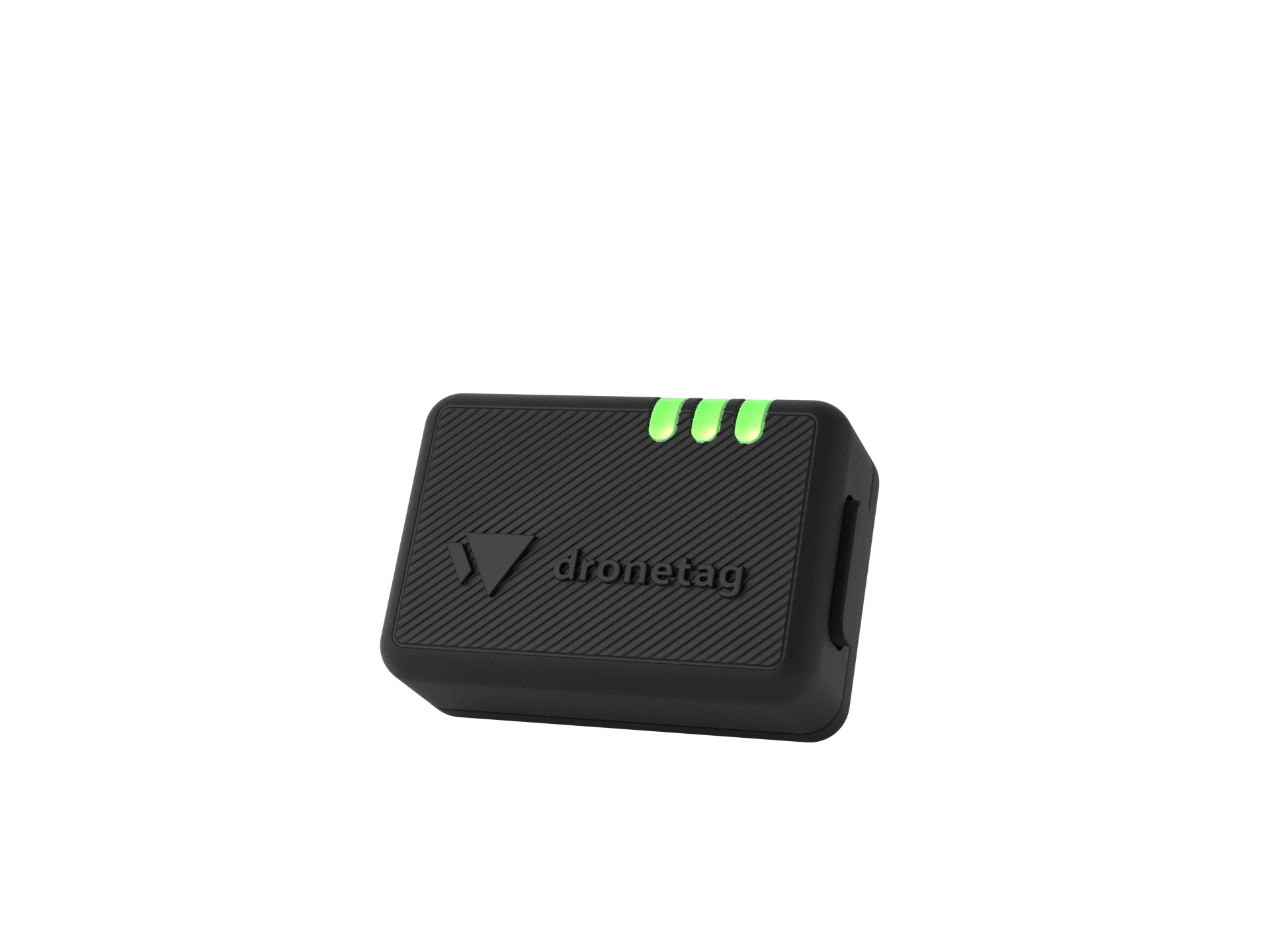
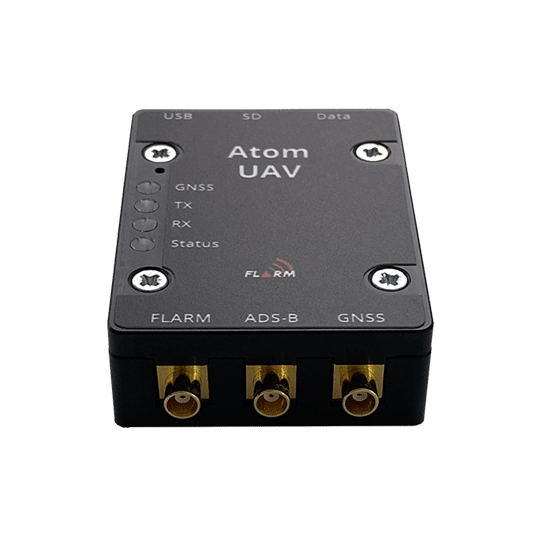
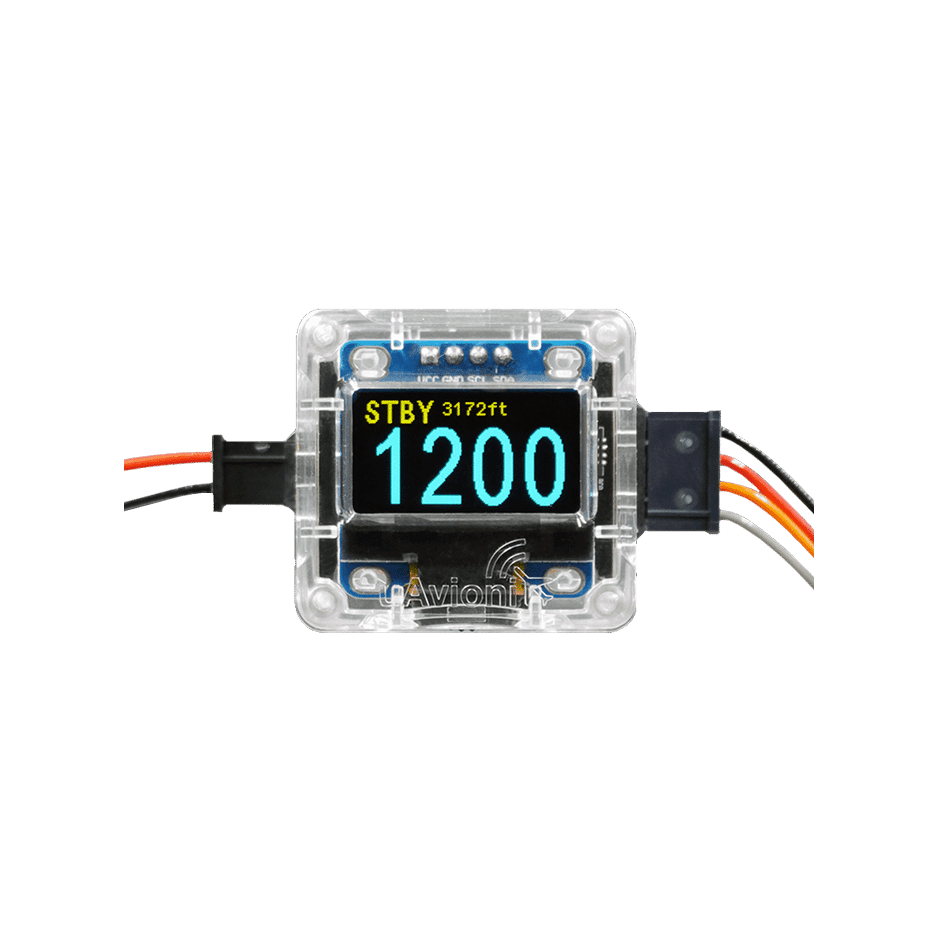
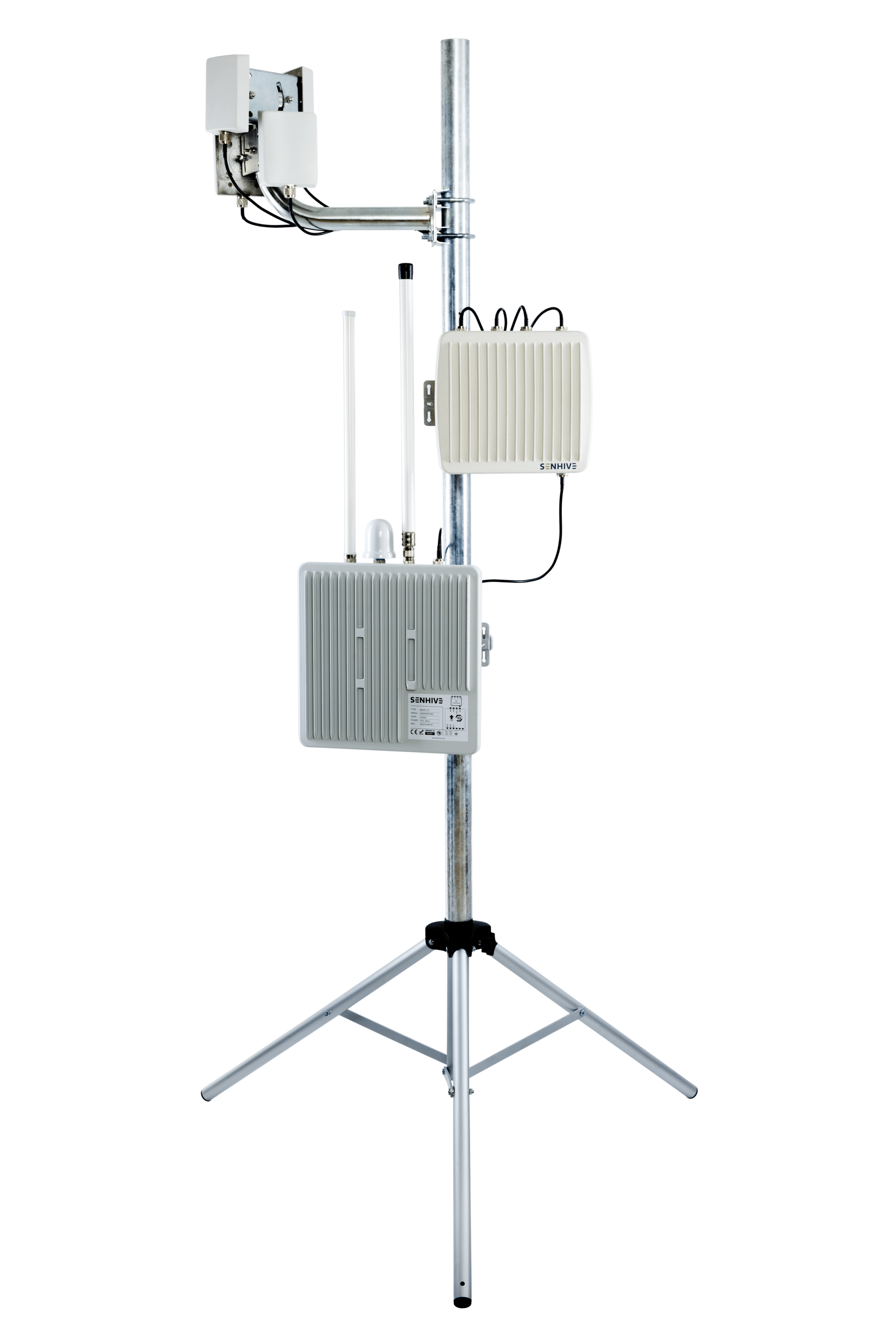
With its combination of an expanded live air traffic view, RADAR, ADS-B, and FLARM integration, collision warnings, KML import, overlays, and a flight log, TraX Pro supports safe, structured, and permit-compliant drone operations.

Scope of delivery

A monthly subscription with automatic renewal and monthly billing is provided for the Germany region. The notice period is 14 days to the end of the term. Access to TraX Pro is transmitted digitally to the user.

Note for ordering: Subscription products must always be ordered individually in the store.

Feature overview of the TraX variants

ValidationTraX Free (App & Google Play Store)TraX PlusTraX ProTraX EnterpriseCan be used without logging in to the Store app
Ad-hoc validation via context menu (Can I fly here?)xxxxx
Displaying Validation Results: Summary & Detailed Viewxxxxx
Geometric validation: point, circle, line with buffer, polygonxxxxx
Validation based on adjustable heightxxxxx
Validation by adjustable class (C0–C6) / category (A1–A3, Specific)xxxx
Fly nowTraX Free (App & Google Play Store)TraX PlusTraX ProTraX EnterpriseCan be used without logging in to the Store app
Create an ad hoc mission at your current locationxxx
Automatically validate ad hoc missionsxxx
Air travelTraX Free (App & Google Play Store)TraX PlusTraX ProTraX EnterpriseCan be used without logging in to the Store app
Air Traffic Control20 km60 kmIndividual
View aircraft details (pop-up)xxx
Monitor & Track Aircraftxxx
Collision warningsTraX Free (App & Google Play Store)TraX PlusTraX ProTraX EnterpriseCan be used without logging in to the Store app
Warnings around the map centerxxx
Aircraft warningsxx
Adjustable warning height (from the ground to the set height)xxx
Adjustable warning radiusxxx
Adjustable warning repeatsxxx
Exclude LFZ from warnings: One-time, Current session, Alwaysxxx
View excluded vehicles in Settings and remove the exclusion from therexxx
Mission CenterTraX (Free)TraX PlusTraX ProTraX EnterpriseCan be used without logging in to the Store app
Create a mission manuallyxxxx
View missions in list viewxxxx
Add events to missionsxxxx
Archive missionsxxxx
Validate missionsxxxx
Publish missionsxxxx
RepresentationTraX FreeTraX PlusTraX ProTraX EnterpriseCan be used without logging in to the Store app
Maps: Standard, Light, Dark, Satellitexxxxx
Rotatable map viewxxxxx
Show Dipul Layerxxxxx
Show Airspace Layerxxx
View OpenSeaMapxxxxx
Live Layer: Active Model Airfields & Active Mission Areasxxxx
Language setting: German / Englishxxxxx
InteractionTraX Free (App & Google Play Store)TraX PlusTraX ProTraX EnterpriseCan be used without logging in to the Store app
Find your current GPS location on the mapxxxxx
Copy coordinates to the current positionxxxxx
Measuring distancesxxxxx
Upload KML filesxxx
KML files persisted locally via sessionsxxx
Onboarding Tourxxxxx
SettingTraX FreeTraX PlusTraX ProTraX EnterpriseCan be used without logging in to the Store app
Unit of distance (metric / imperial)xxxxx
Unit of height (meters / feet)xxx
Unit of horizontal speed (mph / km/h / knots)xxx
Unit: Vertical velocity (m/min / ft/min)xxx
LFZ Details: Altitude, Horizontal/Vertical Speed, Directionxx
LFZ Label: Call sign, altitude, horizontal/vertical speed, heading, squawkxx
Prioritize & add / deselect elevationsxx
Height filterxx
Permanent LFZ vectorsxx
Color-code track icons by categoryxx
Leave the display switched onxx
AccountTraX Free (App & Google Play Store)TraX PlusTraX ProTraX EnterpriseCan be used without logging in to the Store app
Set profile picturexxx
Edit details (first name, last name, language)xxx
Change Passwordxxx
Set Homepointxxx
Set default background imagexxx

System requirements

We recommend the following browsers/devices for using TraX Pro:

  • Current PC, laptop, smartphone or tablet (at least 4 GB RAM)
  • Windows 10+, macOS 11+, Android 10+, iOS 14+
  • Current browser: Chrome, Firefox, Edge or Safari
  • Stable Internet connection

Features of TraX Pro

  • Flight Planning and Flight Validation

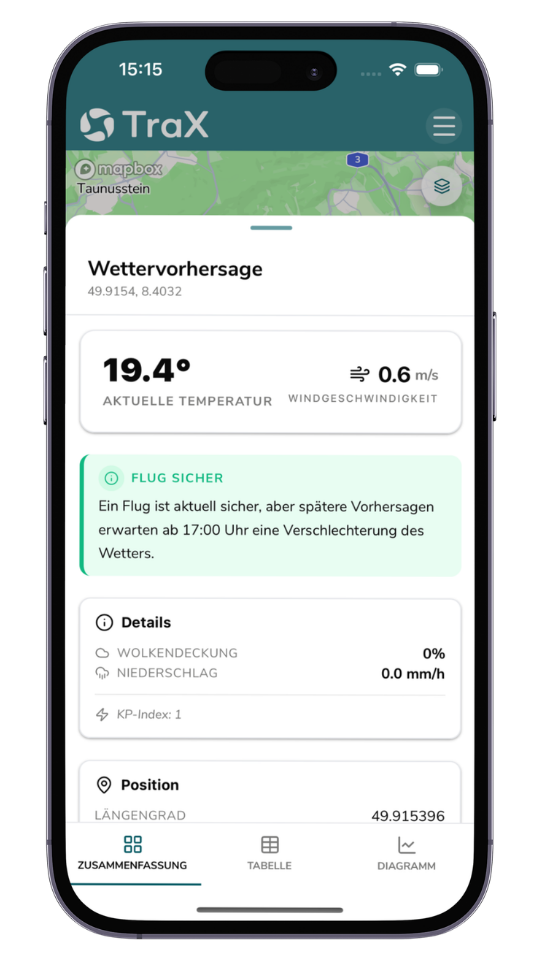
    TraX Pro helps you prepare for professional drone missions. In just a few seconds, you can check whether a flight is possible at your desired location, view relevant geofences, restrictions, and weather information, and highlight the active flight area by clicking “Fly Now.”
  • Enhanced real-time air situation and air traffic data

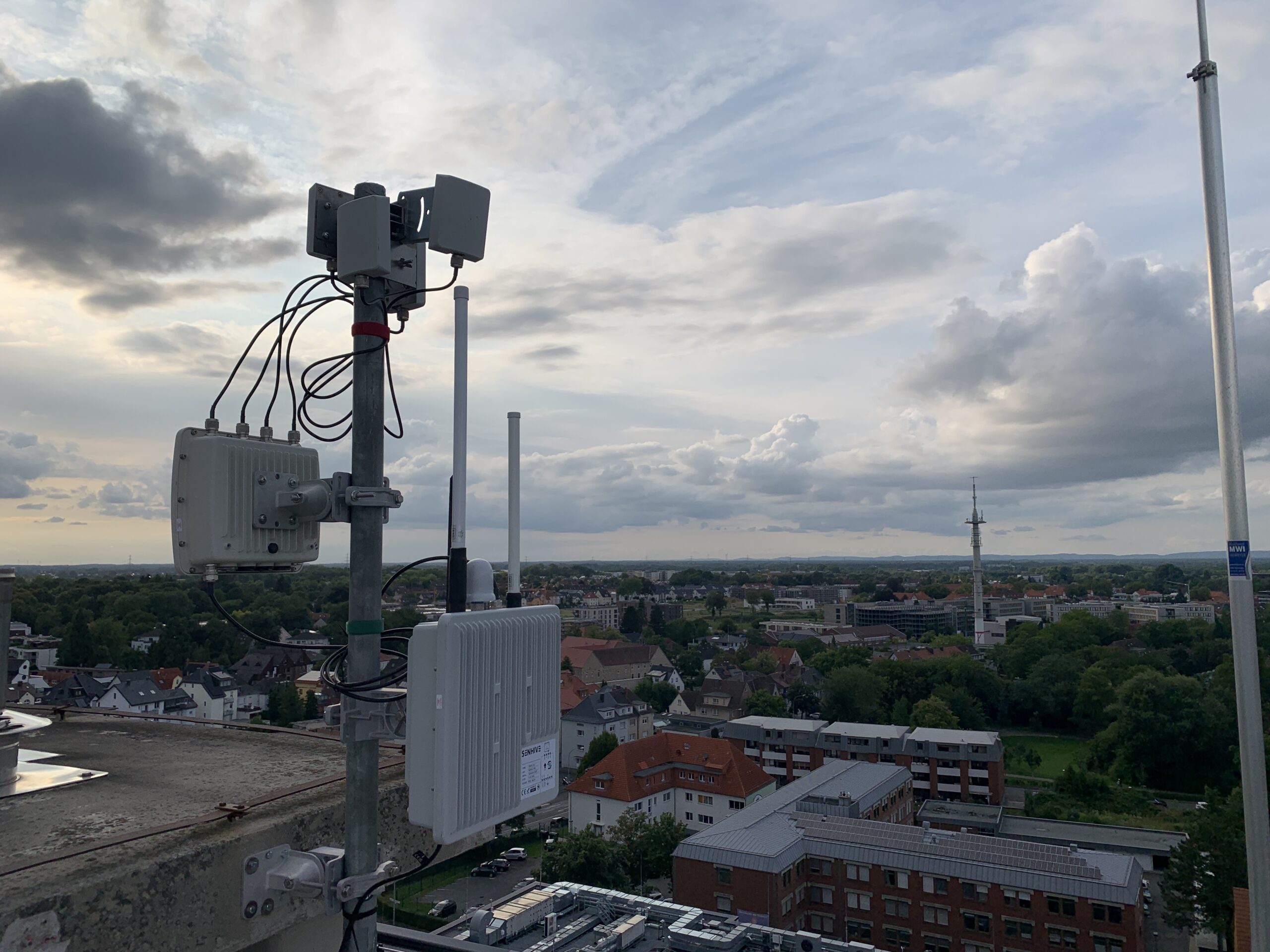
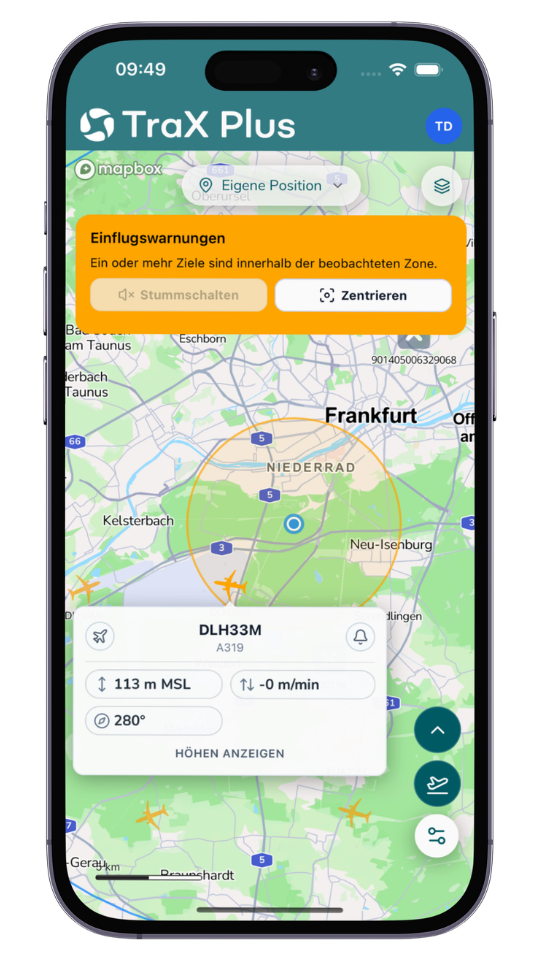
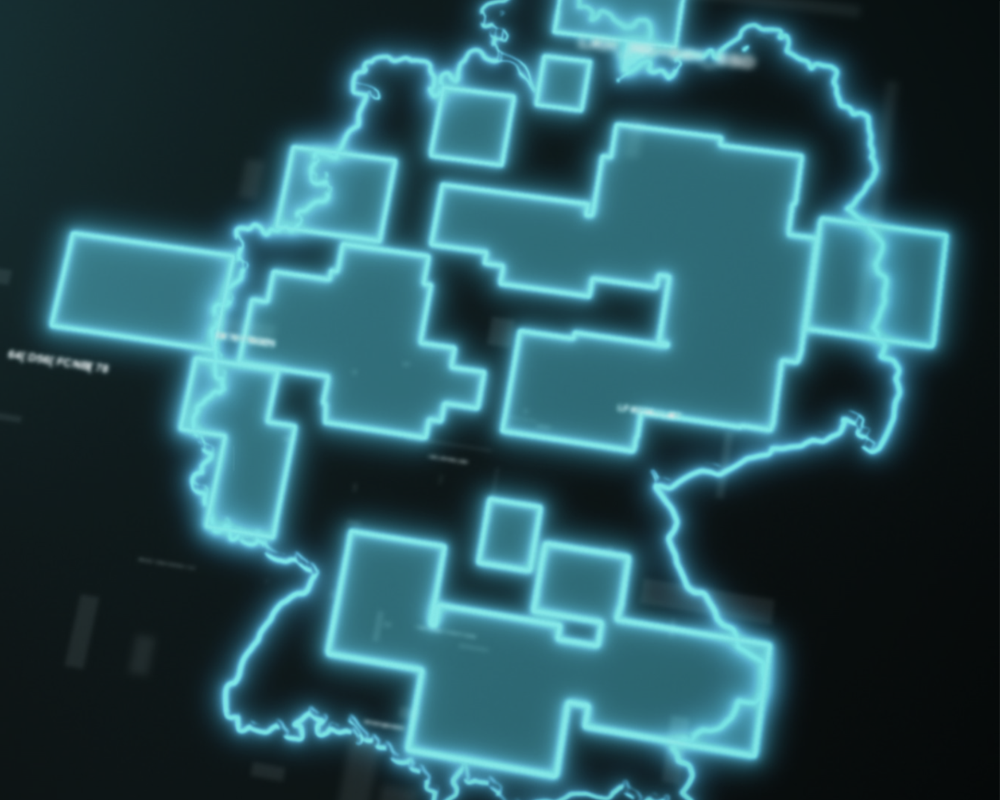
    The app displays surrounding air traffic in real time and integrates relevant data sources such as RADAR, ADS-B, and FLARM. This provides an up-to-date overview of the situation around your operational area—with an extended traffic radius of up to 60 km for professional operational scenarios.

  • Warnings and Target Tracking

    Visual and audible alerts provide early notification of relevant developments in airspace. In addition, TraX Pro supports collision warnings for user-defined aircraft as well as targeted tracking of relevant objects or movements.
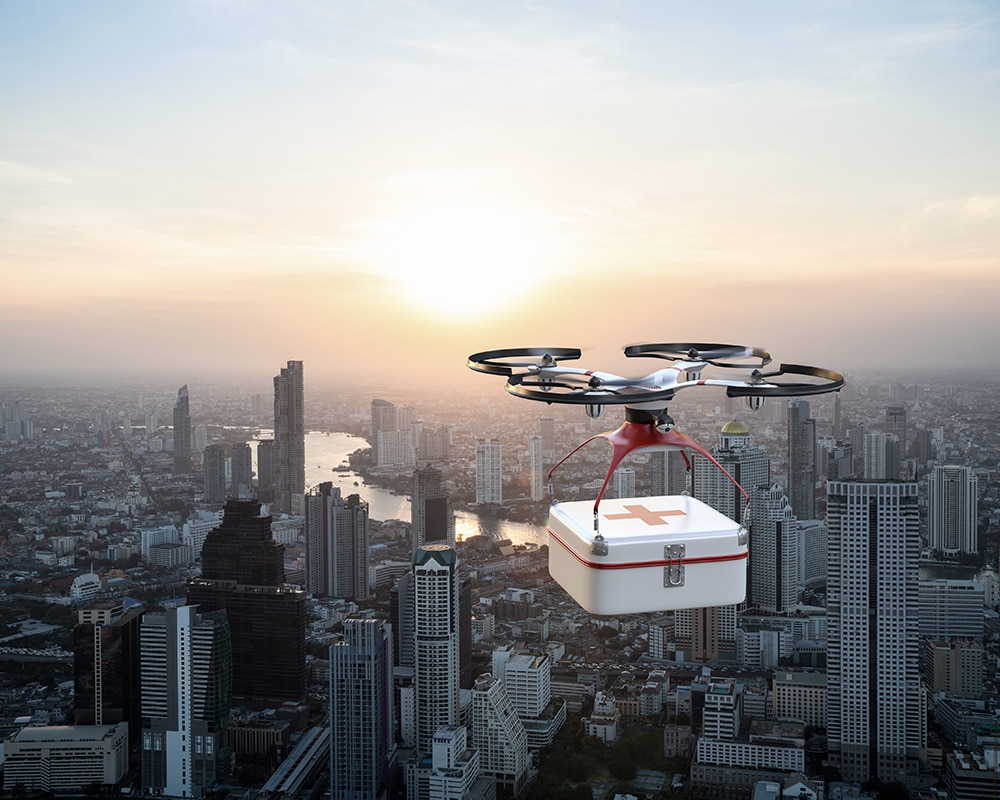
  • KML Import and Overlays

    With the KML import feature, you can integrate your own service areas, routes, or planning data directly into TraX Pro. Maps, geofences, and real-time overlays help you clearly visualize complex service areas and evaluate them more effectively.
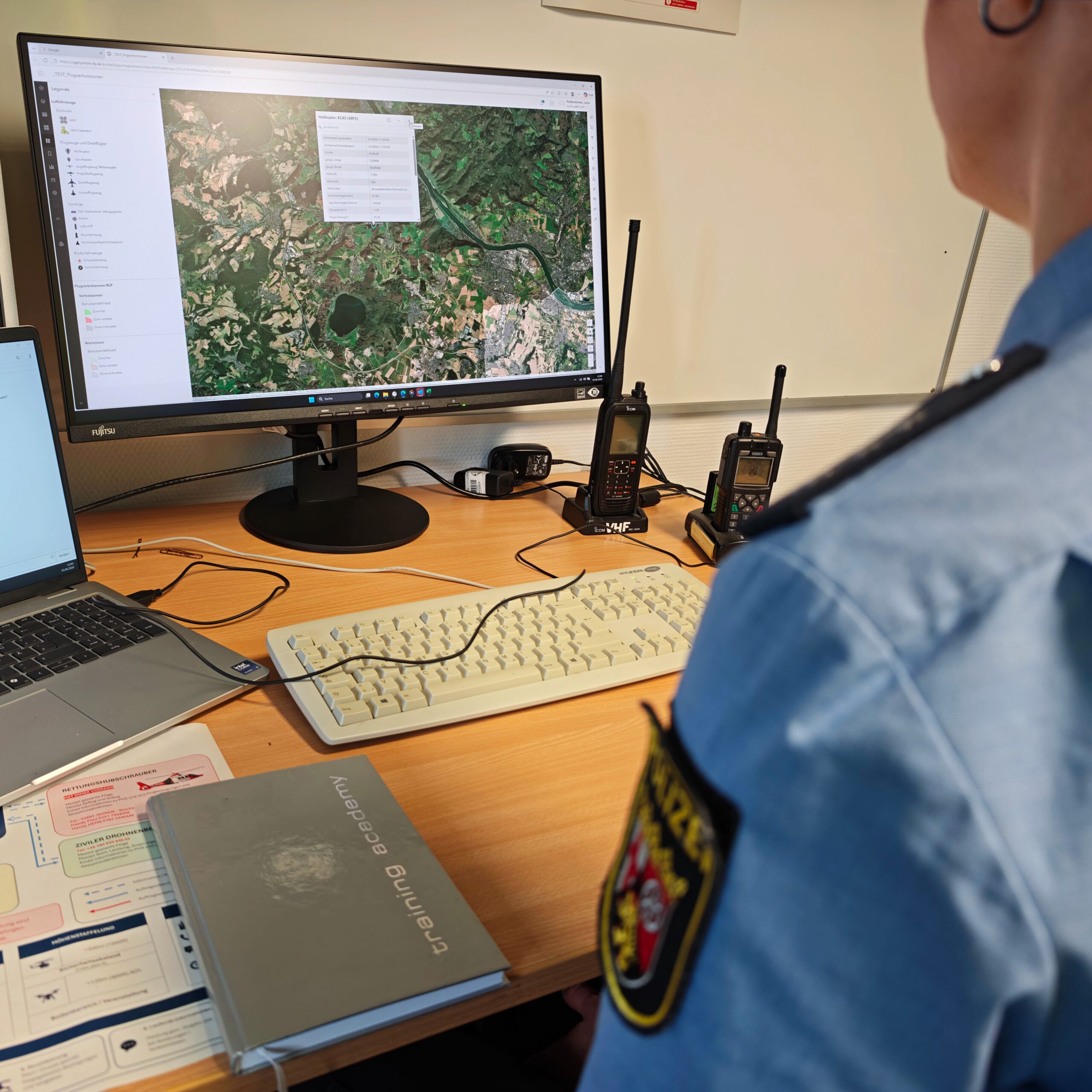
  • Documentation and Deployment Management

    The flight log and mission center help you document and manage your drone missions in a structured way. This ensures that flights are traceable and can be analyzed later if needed.

  • App and web app

    TraX Pro is available as a mobile app and a browser-based web app. Plan missions on your desktop or use the app directly on-site during the drone flight.

Questions about the product?

Fill out the form. We will call you back or contact you by email.

"*" indicates required fields

Droniq training employees with a drone
Contact