



















































Switching from Droniq Maps to TraX – here’s how it works
Hello, dear Droniq Maps customer,
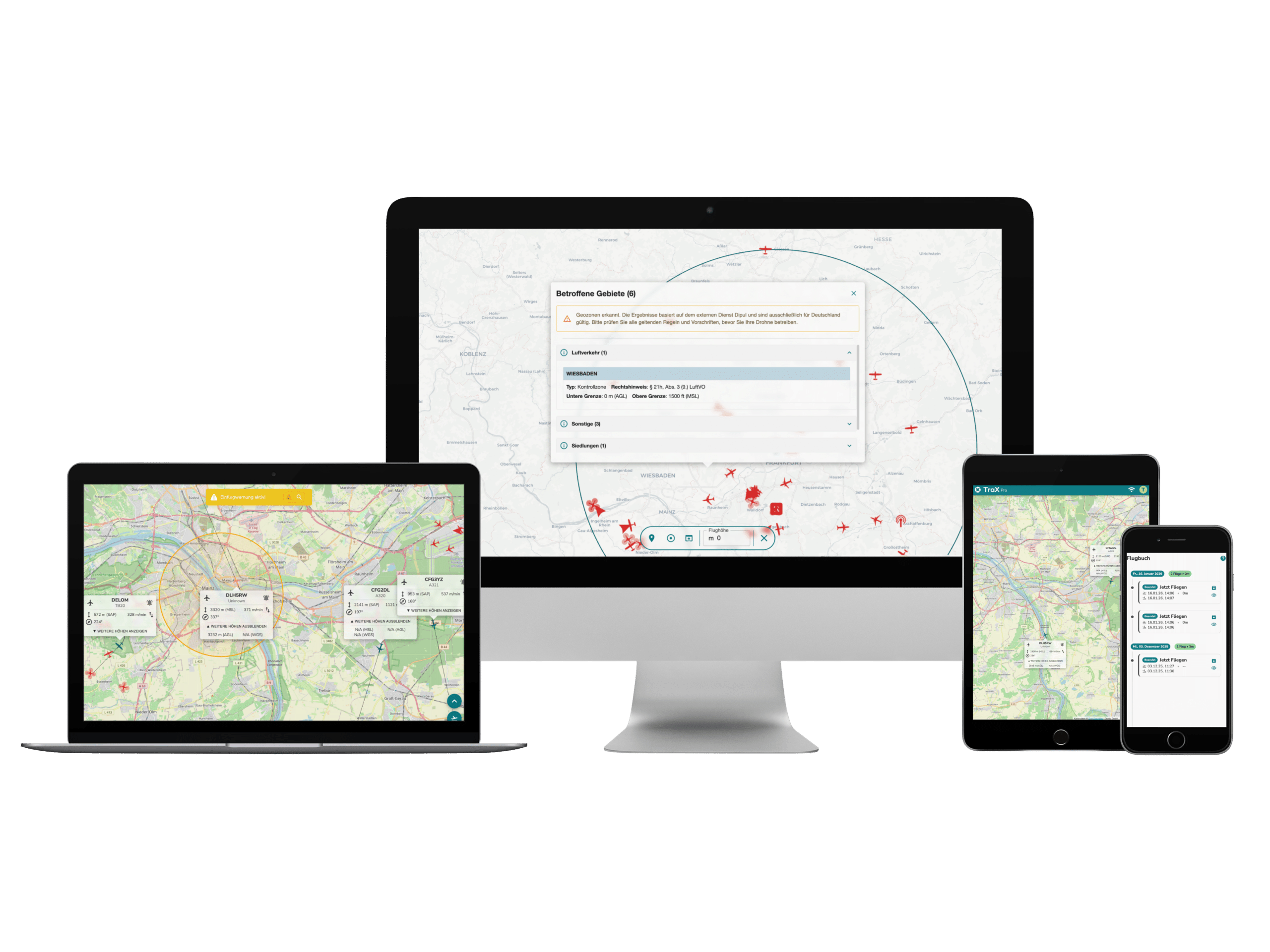
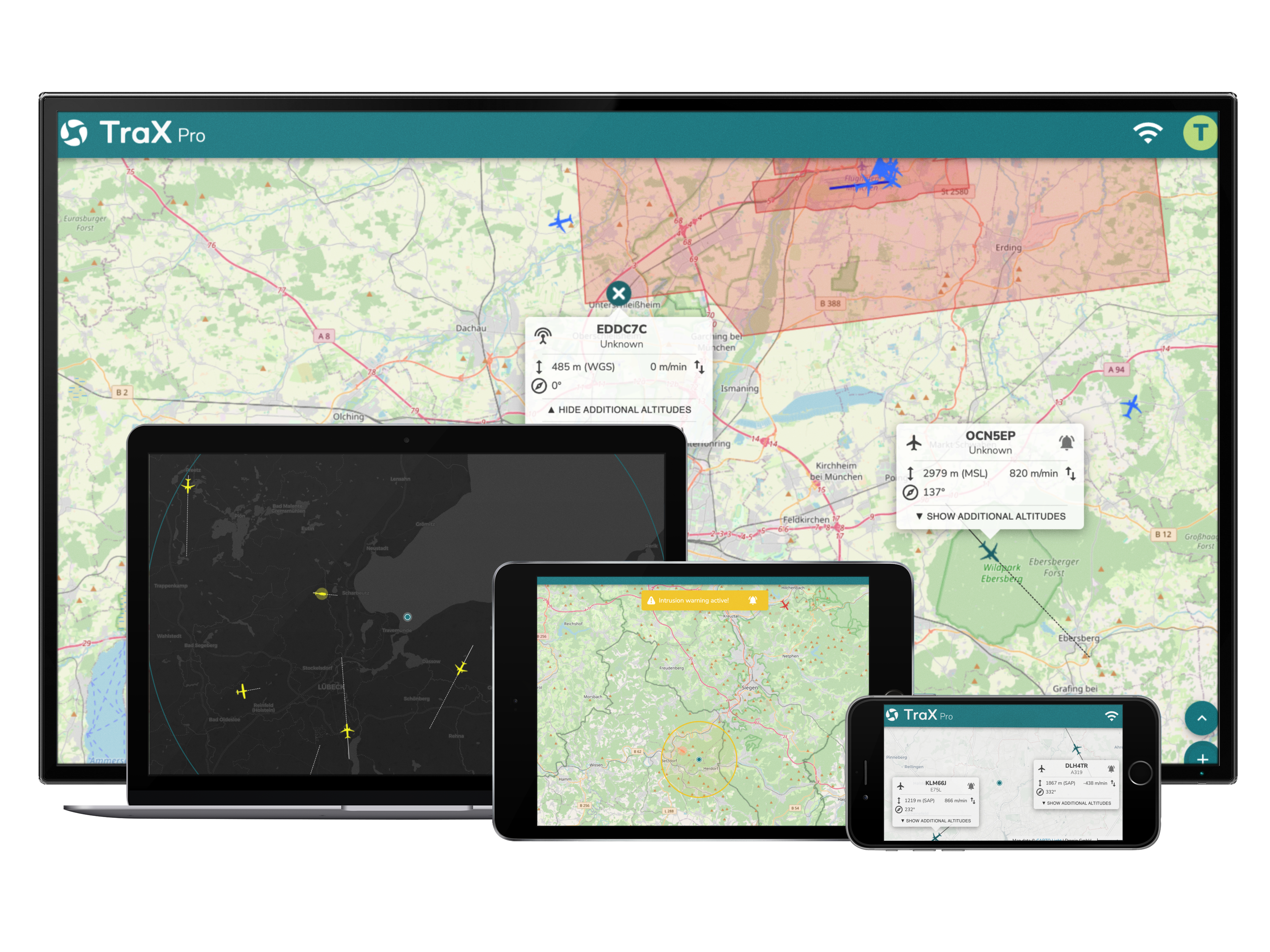
The time is almost here: the Droniq Maps app is becoming TraX. To make sure you’re fully prepared, we’ll explain just how easy the transition will be for you.
The Switch: Here's How It Works
- Automatic update:In most cases, the app will update automatically. Alternatively, you can simply update it in the App Store or Google Play Store.
- Login: Yourprevious login credentials will not be carried over; they will be deleted. Please note that you will need to create a new account in the TraX drone app. However, TraX can also be used without logging in, though with limited functionality.
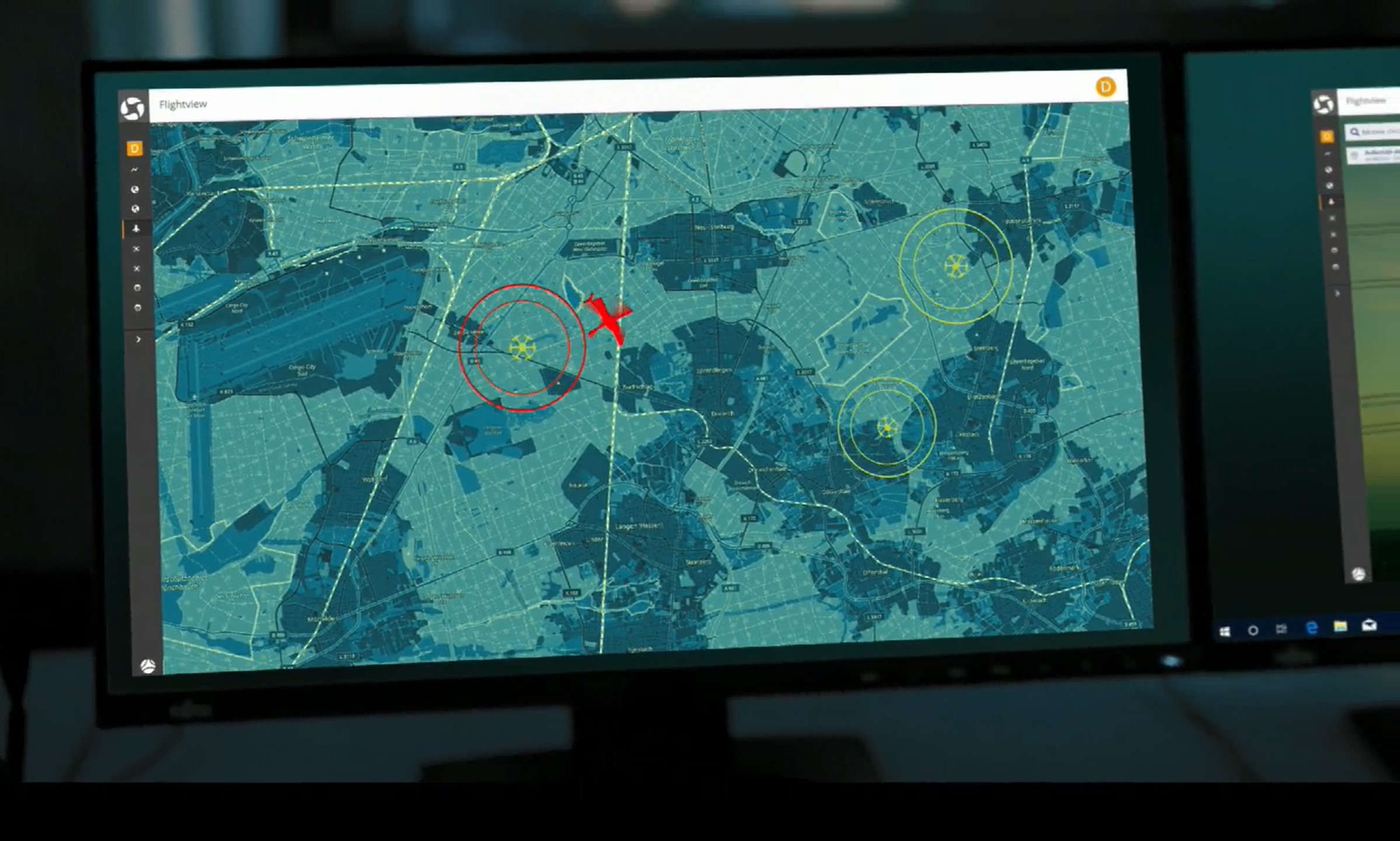
And after that? WithTraX, we’re integrating Droniq Maps into an enhanced application—and laying the groundwork for future enhancements.
Do you have any questions?We've compiled themost important answers for you:
We look forward to welcoming you starting in mid-May under our new name on the Apple Store, Google Play Store, and as a web app! If you have any further questions, please feel free to contact us at any time using our contact form.
Best regards,
Your Droniq Team